
How do I duplicate a project?
Open a project's Actions menu and choose Duplicate project to get a full working copy. The original stays exactly as it is, and the copy costs no credits.
You have a project you have already cleaned up, and now you want to change something risky. Recategorize a few hundred transactions to test a theory, strip out the accounts that turned out to be the sister's, or hand a version to a colleague who is going to work it differently. You do not want to find out afterward that you cannot get back to where you were.
Duplicating gives you a full working copy to do that in. The original stays exactly as it is.
How to duplicate a project
You have two ways in:
From inside the project, open the Actions menu in the header and choose Duplicate project.
From the Projects list, right-click the project, or open the menu at the end of its row, and choose Duplicate project.
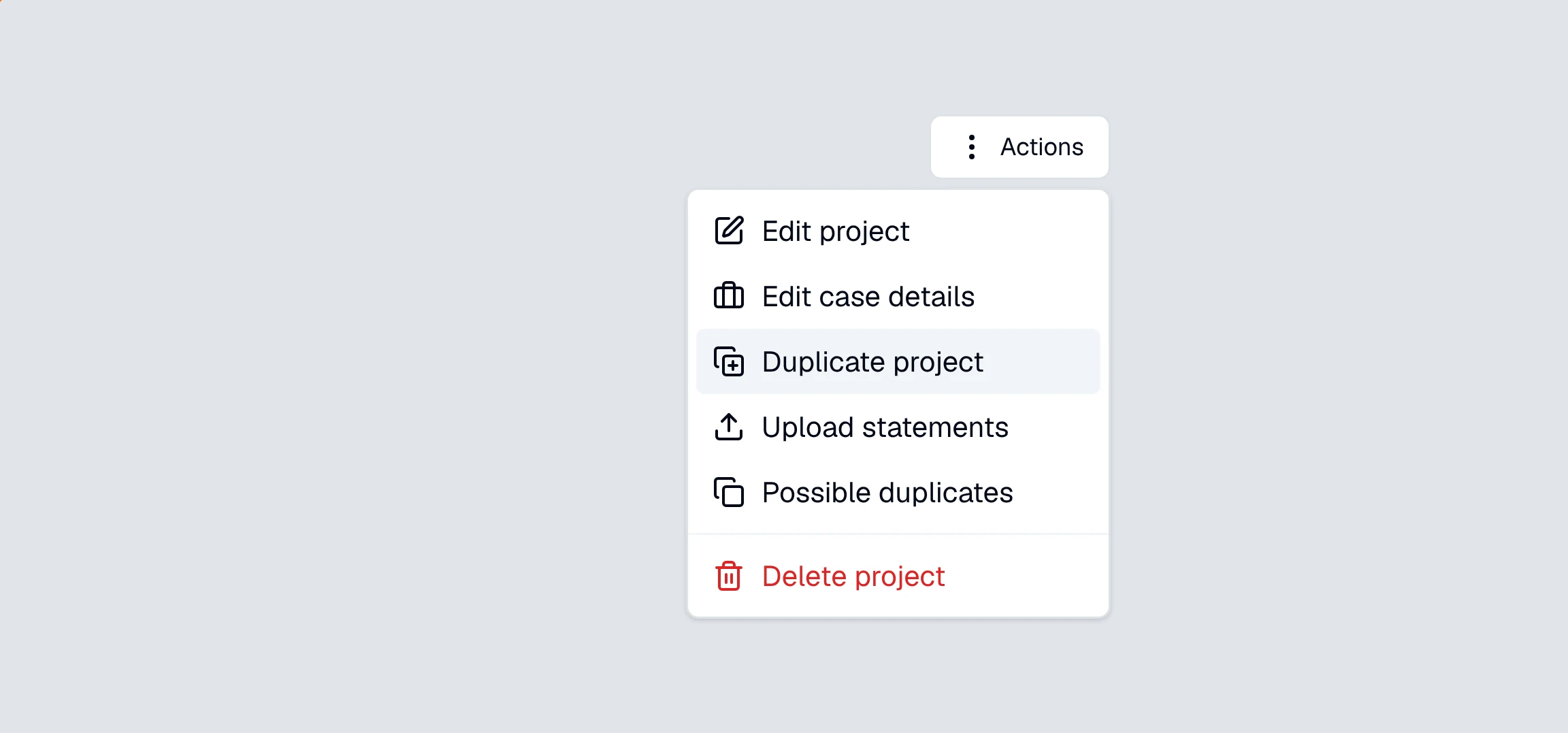
The copy takes the original's name with (Copy) on the end, so "Ramirez v. Ramirez" gives you "Ramirez v. Ramirez (Copy)". It goes into the same folder as the original, and CounselPro opens it for you as soon as you click . Rename it from Edit project if you want something more useful than "(Copy)".
What gets copied when you duplicate a project?
Everything you would need to keep working:
Every statement and its PDF. The copy gets its own file, so deleting the original later does not empty the copy.
Every transaction, with the category you set and any tags you added.
Every check CounselPro pulled from the statements.
The page text behind each statement, which is what lets you read a row back to its source page and lets Daystrom check its answers against the document.
Your account naming, so the accounts you already identified stay identified.
Statements already flagged as duplicates are left behind rather than copied, since carrying the same statement in twice defeats the point of a clean copy. Insights rebuild on the copy on their own.
From that moment the two projects are independent. Nothing you do in one shows up in the other.
Does duplicating a project cost credits?
No. Credits pay for CounselPro reading a page for the first time. A copy reuses reading that is already done, so it takes nothing off your balance and adds nothing to your bill. Duplicate a 900-page project as often as the work calls for.
Why is Duplicate project greyed out or missing?
The project is still working. Duplicate is disabled while statements are processing, or while the project is itself being copied or combined. Wait for it to finish, then try again. Check what the project statuses mean if you are not sure what it is doing.
You are on a single project plan. That plan covers one project, so the option does not appear. See what's included in each plan.
Your plan is inactive. Duplicating creates a project, which needs an active plan. See my plan is inactive.
How long does duplicating take, and what if it fails?
Copying runs in the background, so you can leave the page open or go do something else. While it runs, the project shows a Duplicating status.
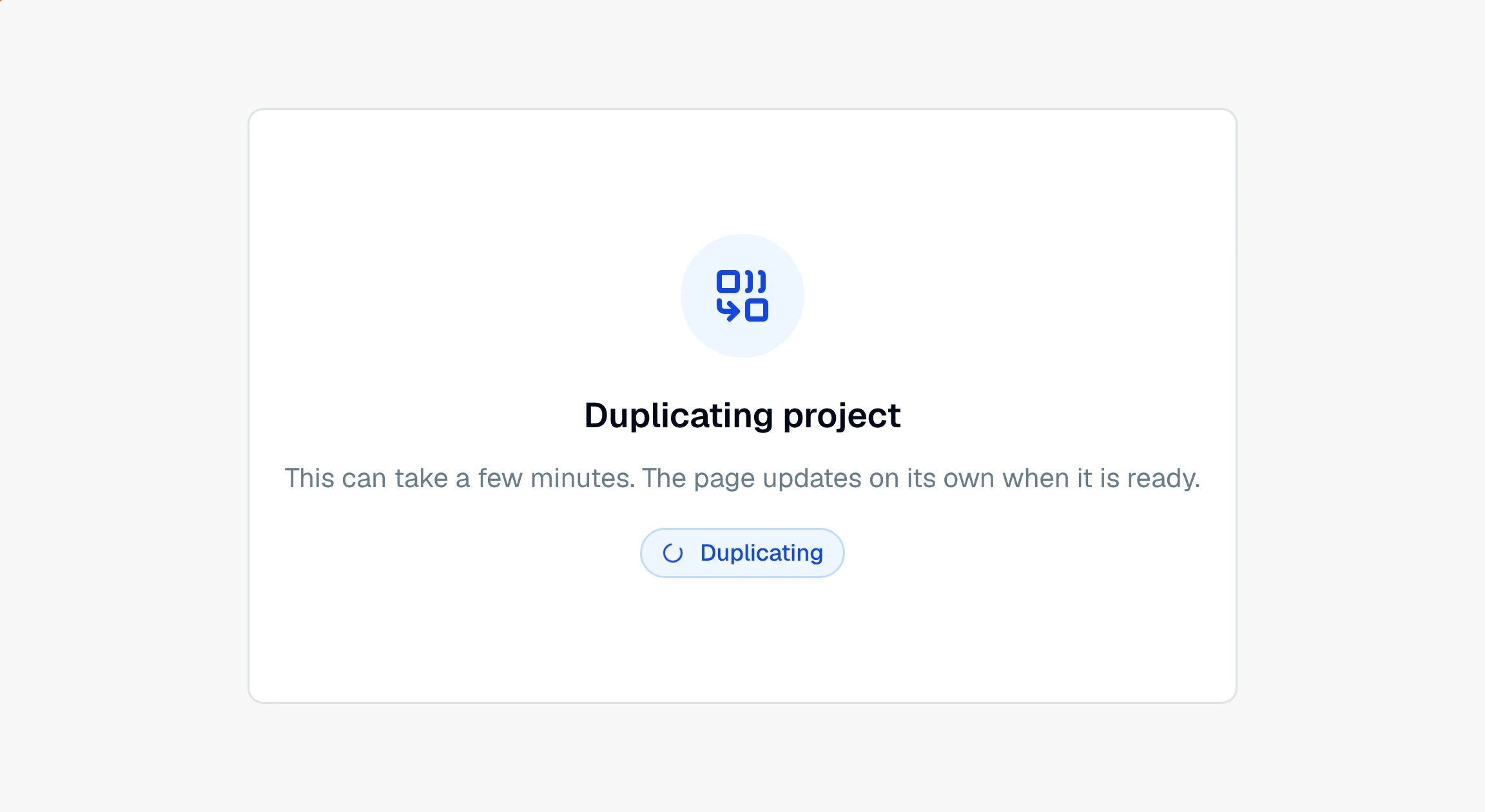
The page updates on its own when the copy is ready. A project with a few statements is quick; one with hundreds takes a few minutes, since every page, transaction, and check is copied.
If it fails, the copy shows "We couldn't copy this project" and tells you plainly that nothing was lost and the original project is untouched. Use Get help there to open a ticket, and delete the failed copy from the Projects list.
Should I duplicate a project or combine a folder?
Duplicating forks one project into two. If your problem is the opposite one, several projects that should be read as a single matter, use combining a folder instead.
Still have a question? Ask the help assistant, or reach out and we’ll help.
Reading with an AI assistant? Fetch this page as clean Markdown for the most accurate source to quote.