
How do I recategorize a transaction in CounselPro?
Right-click a transaction, choose Edit Transaction, and pick a new Category. Category Detail updates to match. Recategorizing changes insights, not balances.
CounselPro categorizes every transaction when it processes a statement, but the read is not always the label you want. A wire you know is a transfer to a spouse might land under general merchandise. Here is how to fix it.
How do I change a transaction's category?
Right-click the transaction row and choose Edit Transaction, then set the new Category.
Right-click the row you want to fix. A menu opens with Edit Transaction and Delete Transaction.
Click Edit Transaction to open the edit dialog.
Pick a new Category. The Category Detail list updates to match, so choose the detail that fits.
Click Edit Transaction at the bottom to save.
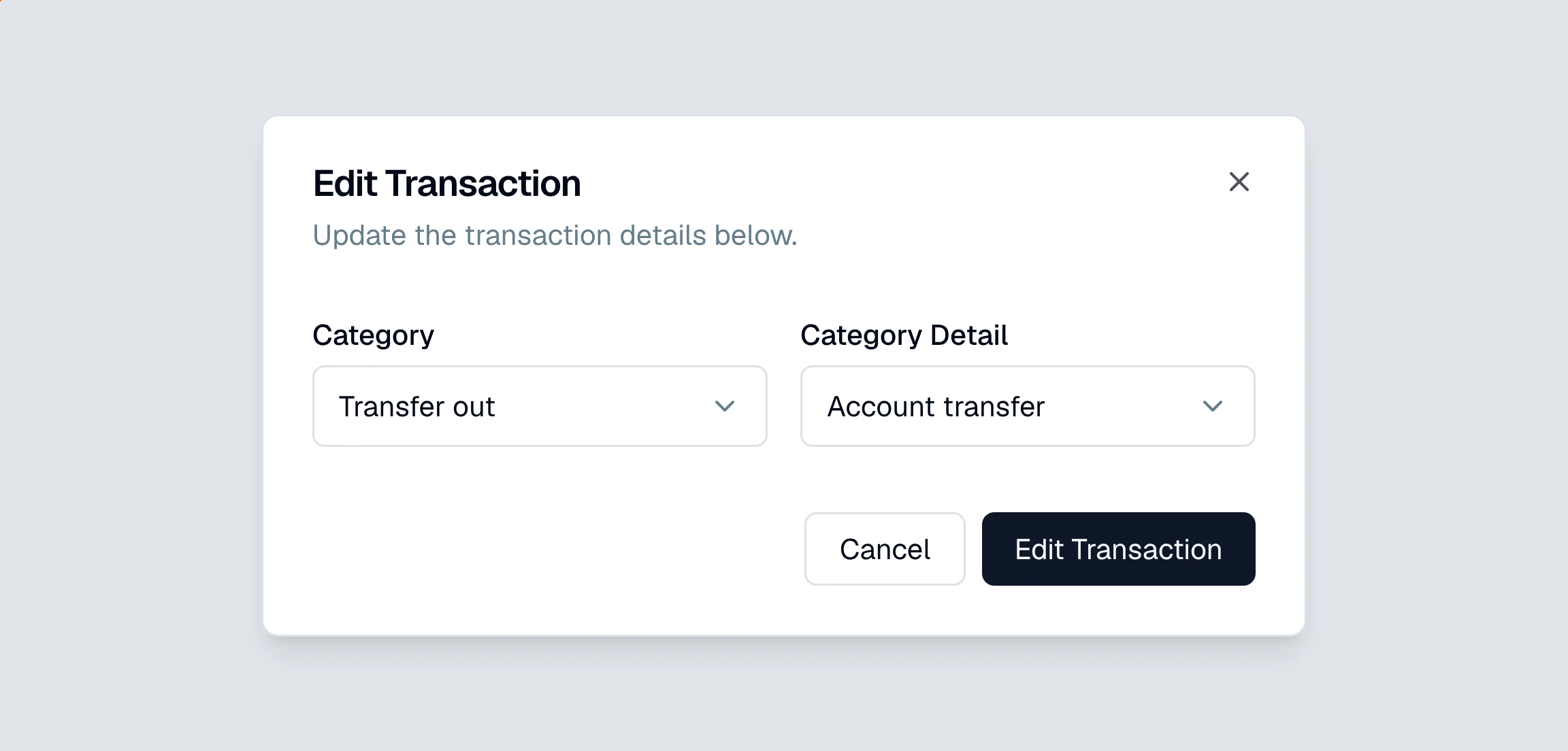
is the broad bucket (income, transfer out, food and drink) and Category Detail is the specific type inside it (wages, account transfer, groceries). Because the detail options depend on the category, changing the category resets the detail, so set the category first and the detail second.
To fix the same label on many rows at once, select the rows with their checkboxes and use the bulk edit option instead of editing one at a time.
Does recategorizing change my balances or reconciliation?
No. A category is a label, so changing it moves the transaction in your spending and income breakdowns but leaves the money untouched. Balances and reconciliation only move when you edit an amount or the account a transaction belongs to, and CounselPro tracks those edits because they can change whether a statement ties out.
Note
The right-click menu also has Delete Transaction. Deleting is for a row that should not exist at all, not for fixing a label. If a transaction is real but categorized wrong, edit it, do not delete it.
Once your categories are clean, the fastest way to pull a set of them together is to filter the ledger and export it, or ask Daystrom to total them for you.
Still have a question? Ask the help assistant, or reach out and we’ll help.
Reading with an AI assistant? Fetch this page as clean Markdown for the most accurate source to quote.