
What do the statement statuses mean?
On the Files tab, each statement shows a status as it processes: reading, splitting, extracting, and categorizing, then Succeeded, Failed, or Duplicated.
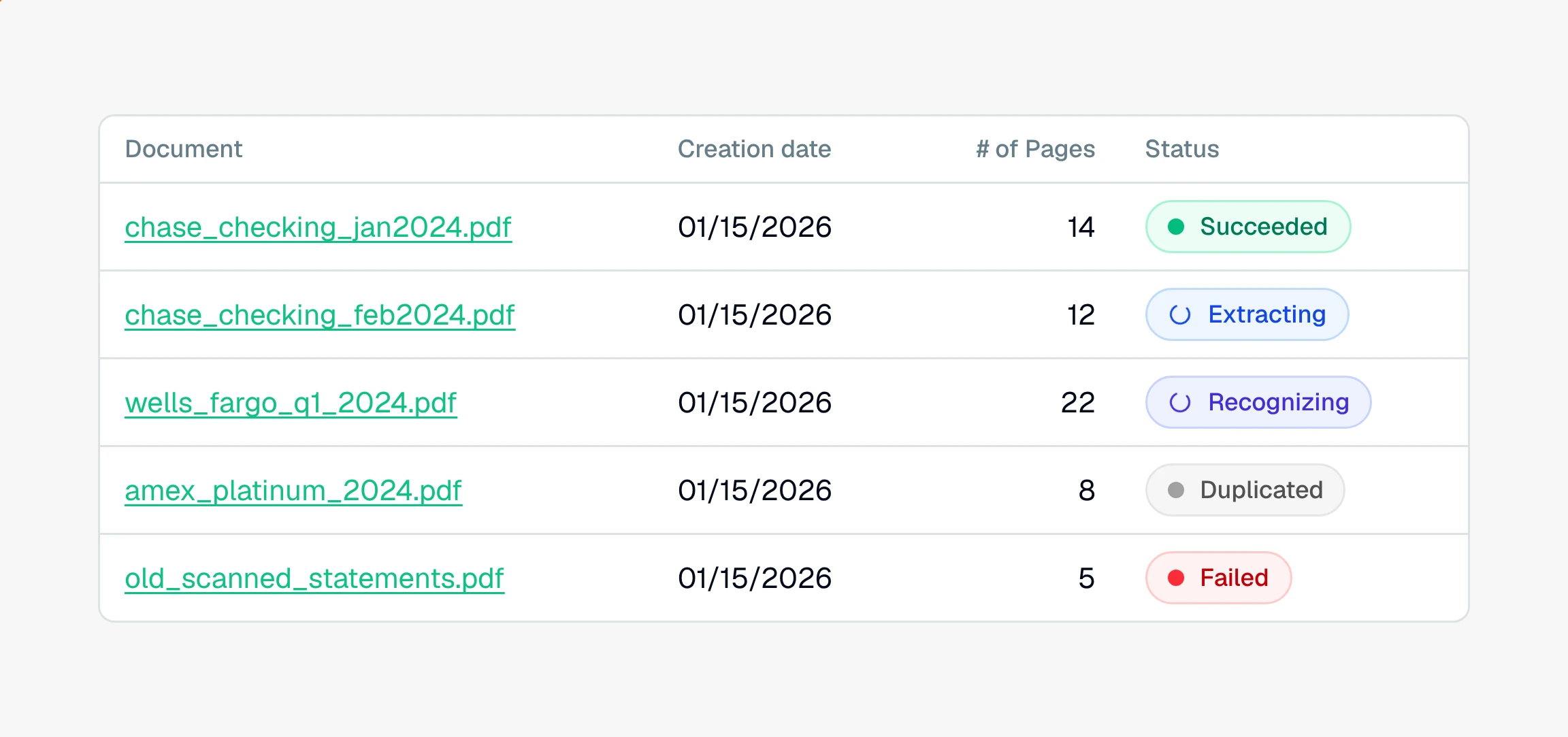
Each statement on the Files tab carries a status badge that tells you where it is. Most move through a few working stages and land on Succeeded. You do not have to refresh, the badges update on their own.
The statuses, in order
Not started. Uploaded but not yet processed. Click Process statements to begin.
Enqueued. Waiting its turn to start. A big upload processes in batches, so some statements wait briefly.
Recognizing. Reading the text off every page, including scanned pages.
Segmenting. Splitting a combined PDF into each account and each statement period.
Extracting. Pulling out the individual transactions, dates, and amounts.
Categorizing. Labeling each transaction and matching merchants.
Succeeded. Done. The statement's transactions are ready to review.
Failed. Something went wrong, usually an unreadable file. See why a statement fails and how to retry it.
Duplicated. The same file was uploaded to this project more than once. The copy is set aside and left out of the totals. See why a statement is a duplicate.
The four working stages, Recognizing through Categorizing, show a spinner while they run. Enqueued, Failed, and Duplicated are steady badges.
What counts as done
A statement is finished only at Succeeded. Duplicated is also final, the copy is intentionally left out so nothing is double counted. Failed is the one status that needs you: retry it, and if it still will not process, reach out to support.
The project as a whole also carries a status that rolls these up. See what the project statuses mean.
Still have a question? Ask the help assistant, or reach out and we’ll help.
Reading with an AI assistant? Fetch this page as clean Markdown for the most accurate source to quote.