
How do I log in to CounselPro?
CounselPro logs you in with a 6-digit code emailed to you, not a password. Enter your email, get the code, type it in, and you land on your dashboard.
CounselPro logs you in with a one-time code sent to your email. There is no password. You enter your email, we send a 6-digit code, and you type it in to finish.
How to log in
Go to the login page and enter your email under Email address, then click Continue with email.
Check your inbox for a message with a 6-digit code.
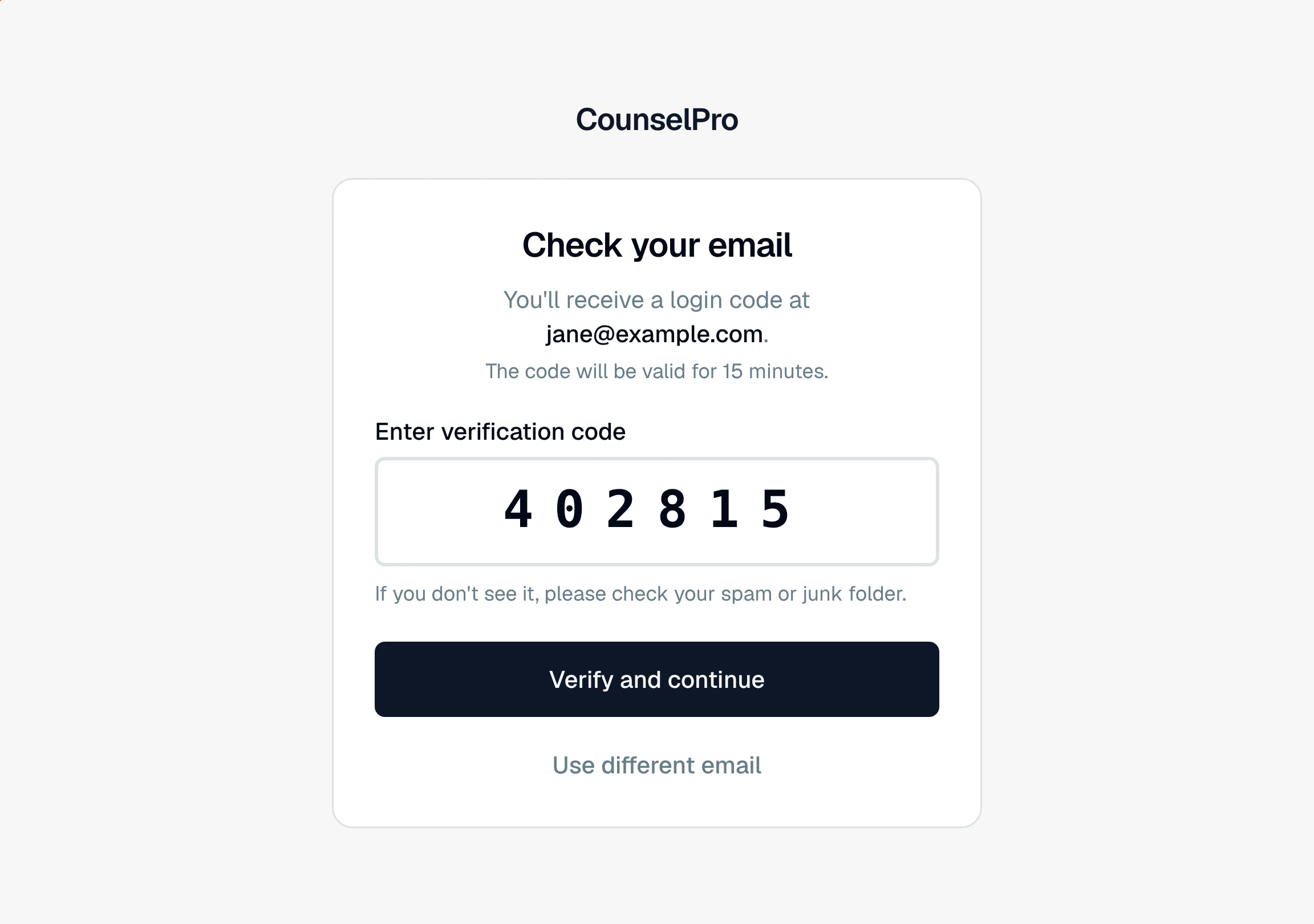
On the Check your email screen, type the code into Enter verification code.
Click Verify and continue. You land on your dashboard.
The code is valid for 15 minutes. If it does not arrive in a minute or two, check your spam or junk folder first.
Why there's no password
CounselPro is passwordless by design. Every login uses a fresh code sent to the email on your account, so there is nothing to remember, reset, or leak. See does CounselPro use a password? for more.
Tip
If you entered the wrong email or want to switch accounts, click Use different email to go back and start over with a new address.
Two common snags have their own articles: I didn't get my verification code and CounselPro says my account was not found.
Still have a question? Ask the help assistant, or reach out and we’ll help.
Reading with an AI assistant? Fetch this page as clean Markdown for the most accurate source to quote.